Documentation Index
Fetch the complete documentation index at: https://moengage-crashes-in-debug-feedback.mintlify.app/llms.txt
Use this file to discover all available pages before exploring further.
Navigation
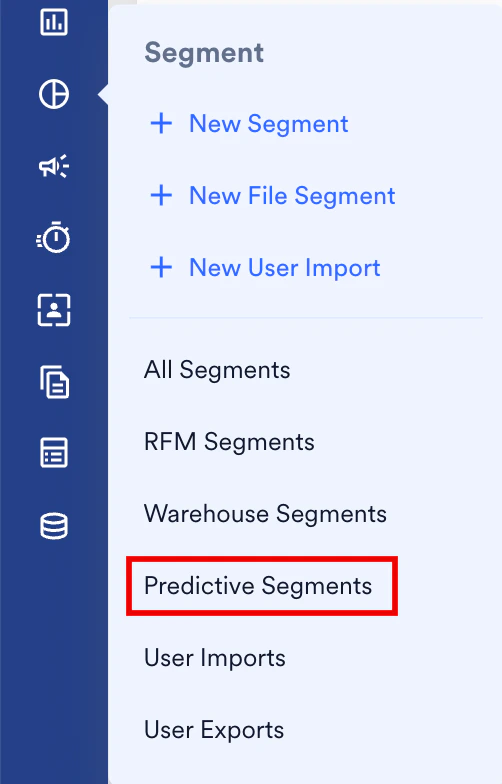
You can create predictions using one of the following:- On the sidebar menu in MoEngage, hover over the Segment menu item
 . The Segment menu appears.
 - ClickPredictive Segments.
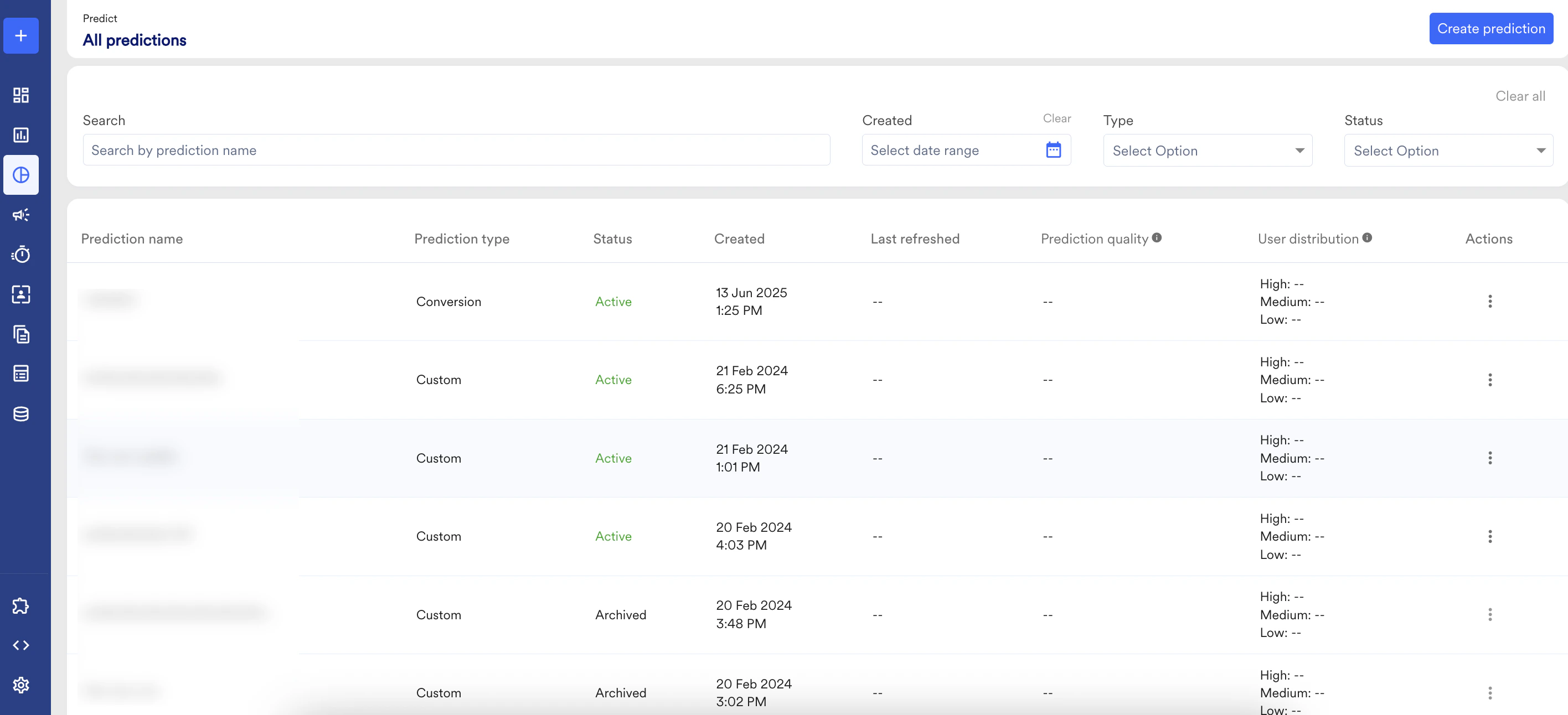
- On the All predictions page, click Create prediction.
Define Prediction
You can define:- What do you want to predict?
- What conversion (uninstall, dormancy, and so on) means for your business and get the required predicted users.
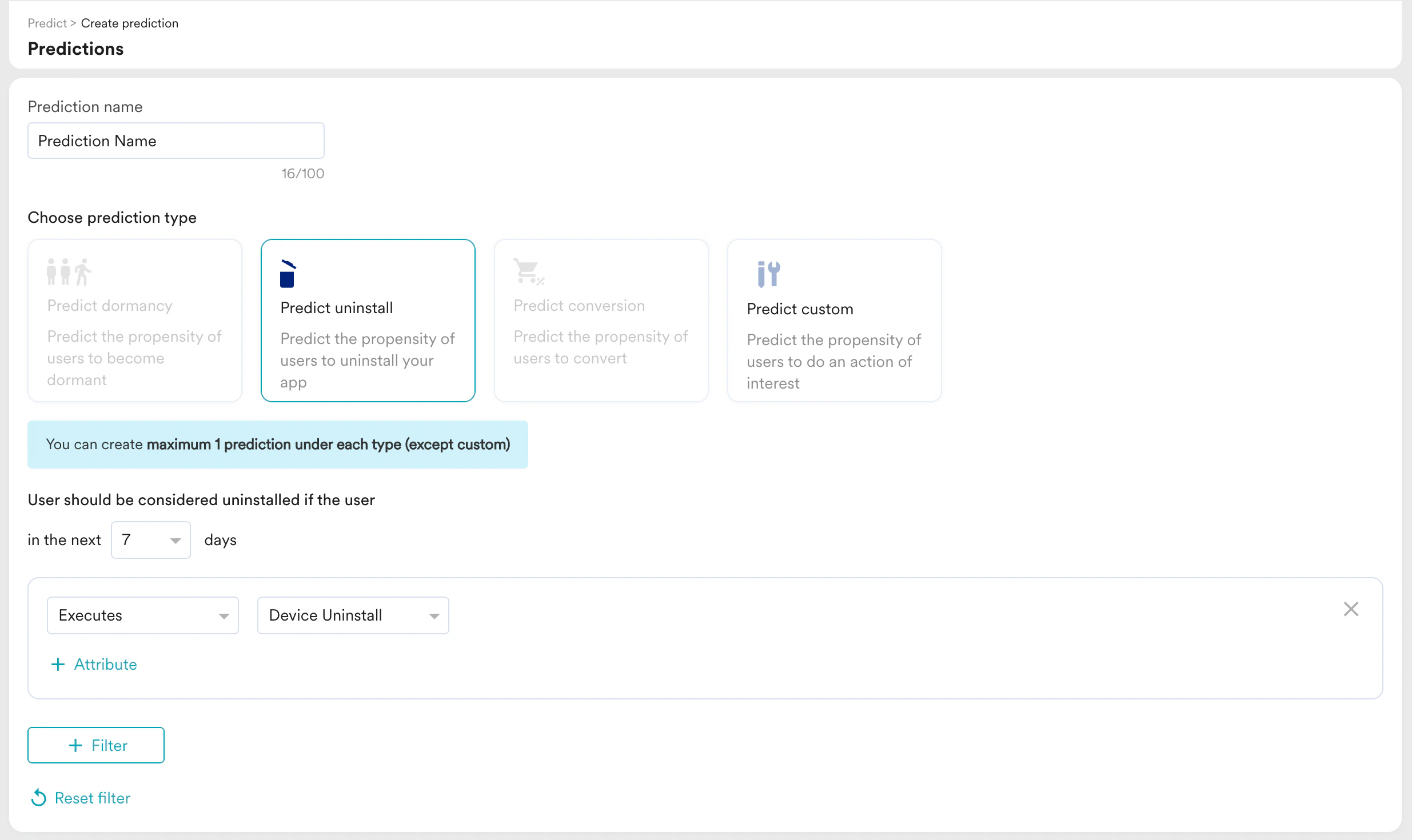
| Field | Description |
|---|---|
| Prediction name | Type the name of the prediction |
| Prediction type | Choose one of the following: - Predict dormancy - Predict Uninstall - Predict Conversion - Predict Custom |
| Define Prediction | Define the prediction time only in multiples of 7 days. |
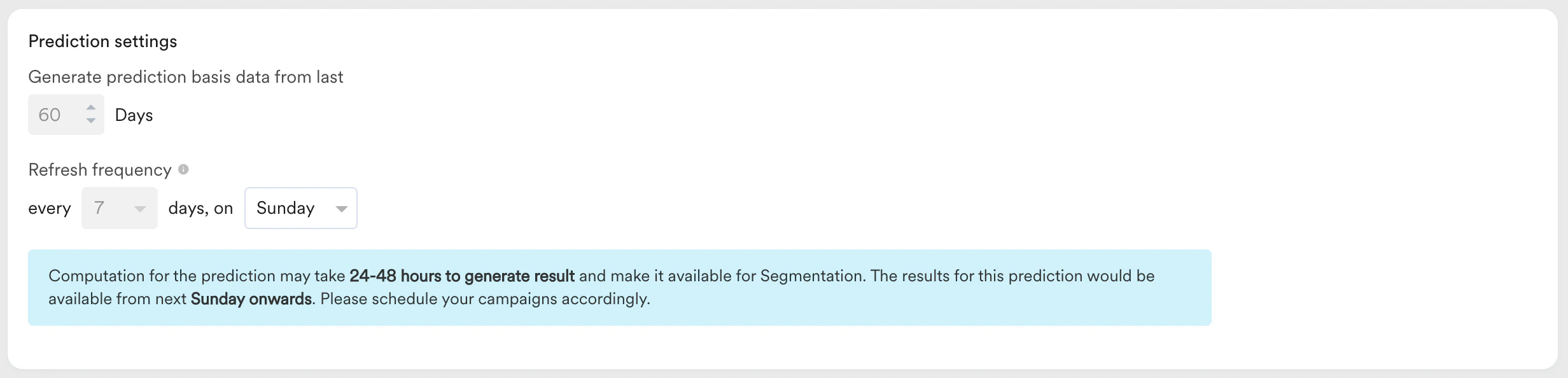
Prediction Settings
You can modify the prediction definition and prediction settings of the default predictions as required. MoEngage prediction also lets you define the prediction of your choice, with custom prediction you can create a prediction with desired definition and settings. Both action and inaction of users can be predicted for example users who are going to purchase or users who are going to not open the app. Also, you can apply an event attribute filter to predict for specific actions such as predict only for iOS platform or predict for category fruits, etc.